Welcome to the BETA Testing of What's Cooking App

This website outlines the steps to follow during the BETA test, how to download the App, what to test, and how to provide feedback. Your contributions are crucial in refining the app before the public launch.

Introduction

What is BETA Testing

The purpose of this test is to:

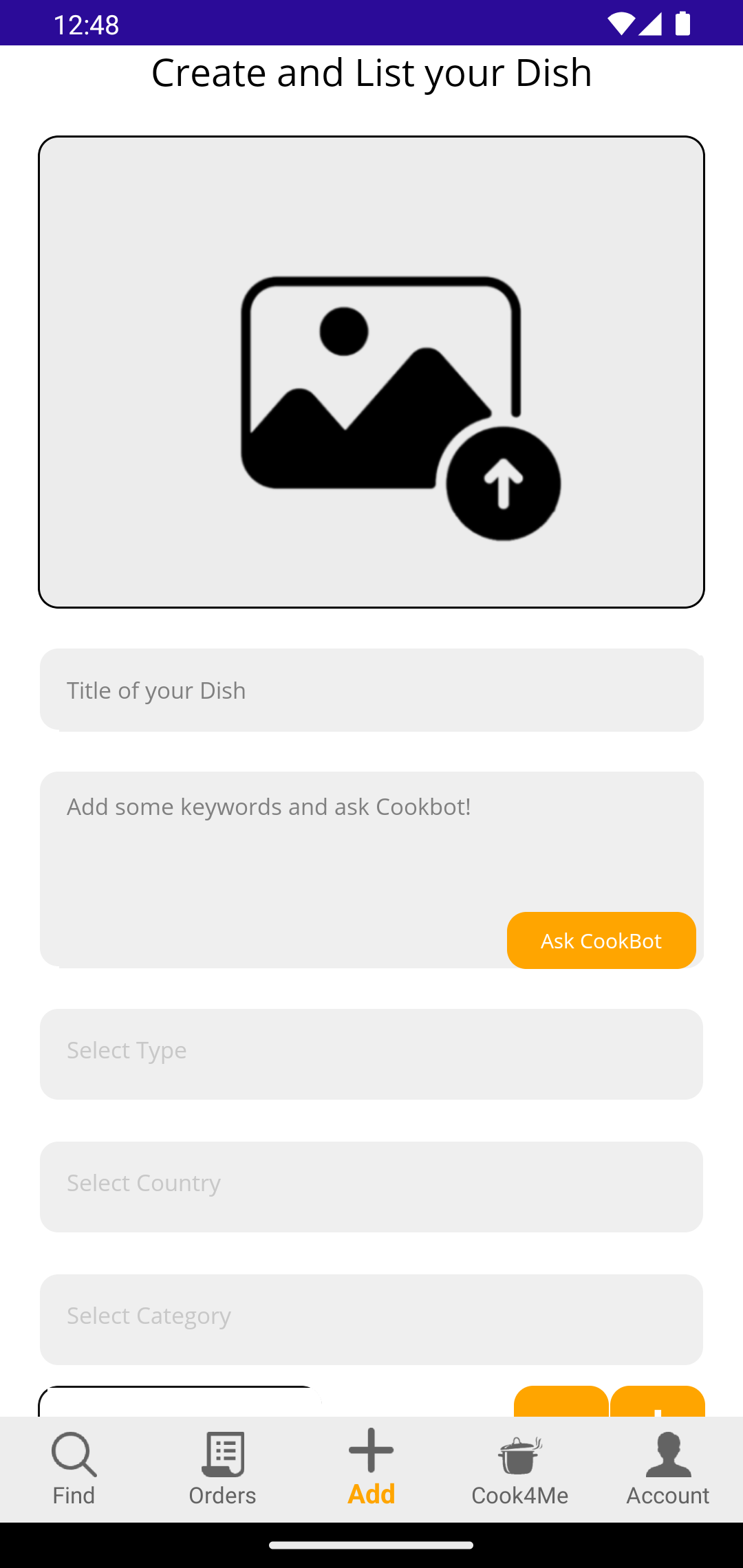
• Test overall usability of the App. (For example, is it friendly, are the processes to list a dish simple to understand and follow...)

• Identify any bugs or issues. (There should be minimal bugs remaining but any crashes or unusual behaviour during BETA should be reported)

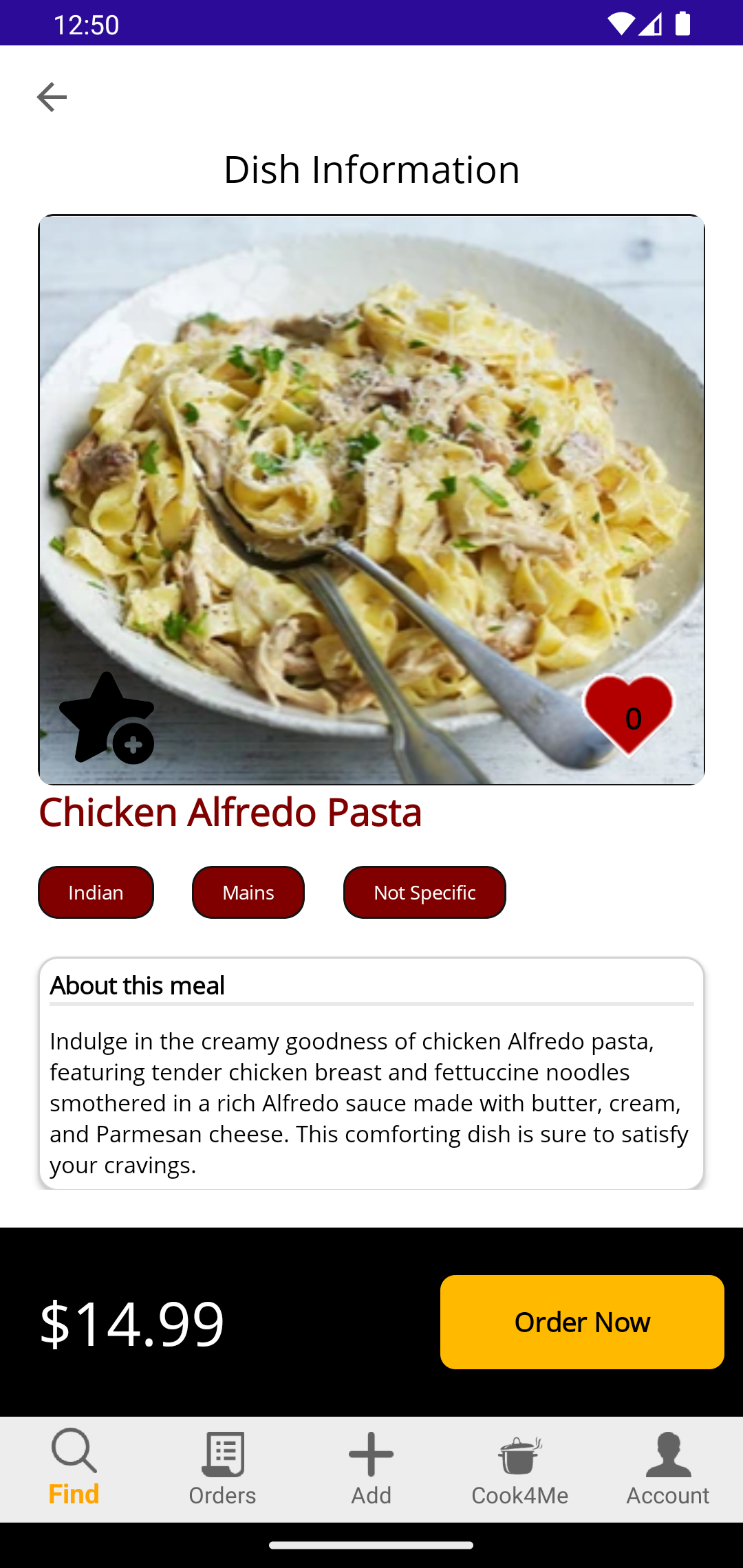
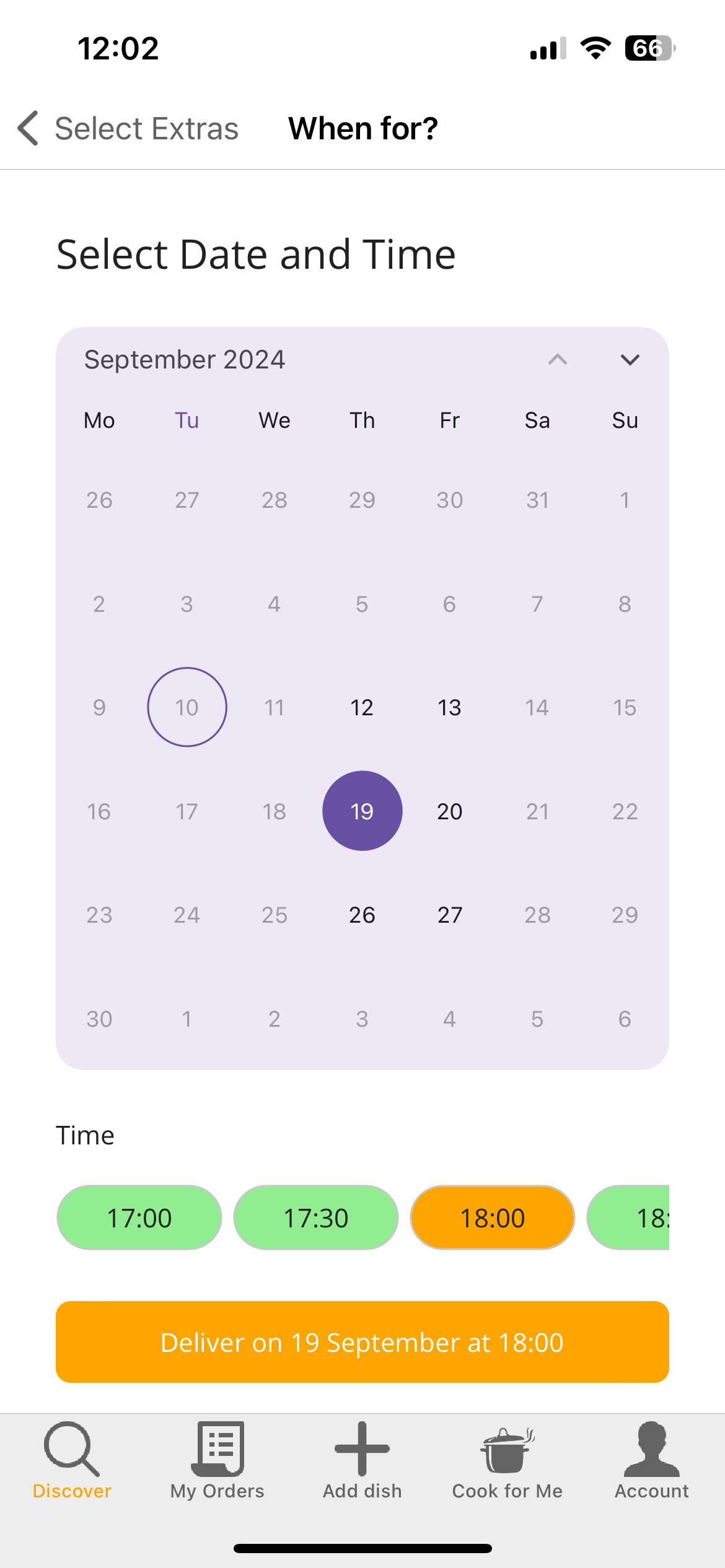
• Review and feedback on the user experience to order a meal, pay for it, manage it, get notifications and complete the order.*

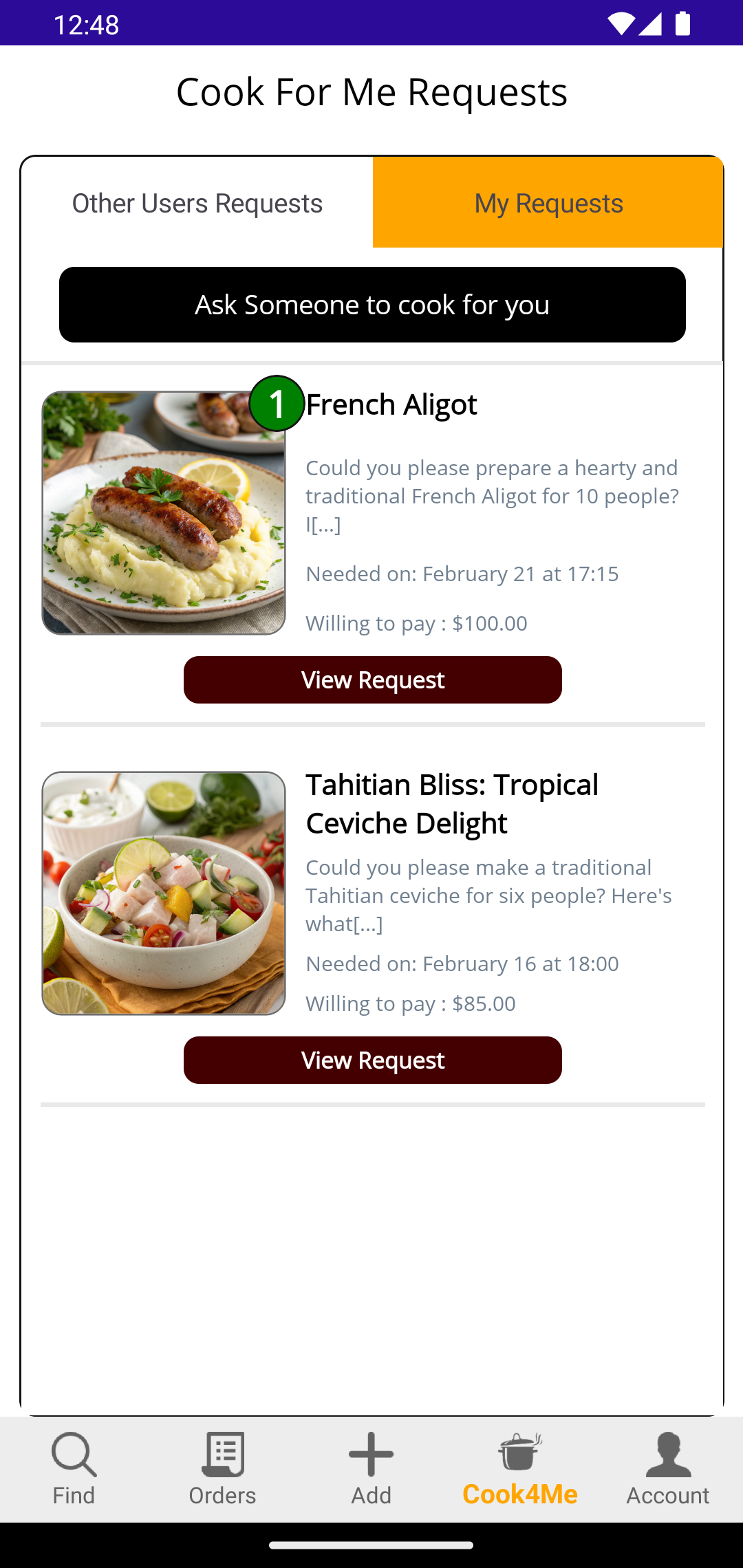
• Review and feedback on the user experience to list a Cook4Me request, manage it, get notifications, view proposals, accept proposal, pay for it and complete the order.*

The App is not yet publicly available so you are having access to a preview. The 'BETA' testing stage is the final stage before the public release where most of the features and functionality in the App are working but need final user's feedback and reviews.

IMPORTANTL NO REAL ORDERS

The key purpose of the App is to offer users the ability to order dishes cooked by other users and get them delivered to you (kind of a take away but where the dishes are cooked at home by other users)

However, as this is the first part of the BETA testing stage, no actual cooking will take place and as such no delivery will occur and no real payments are taken.

In a few weeks time, we are intending to open the BETA version to real payment, live cooking and real deliveries so please list dishes and requests that can really be cooked and delivered.


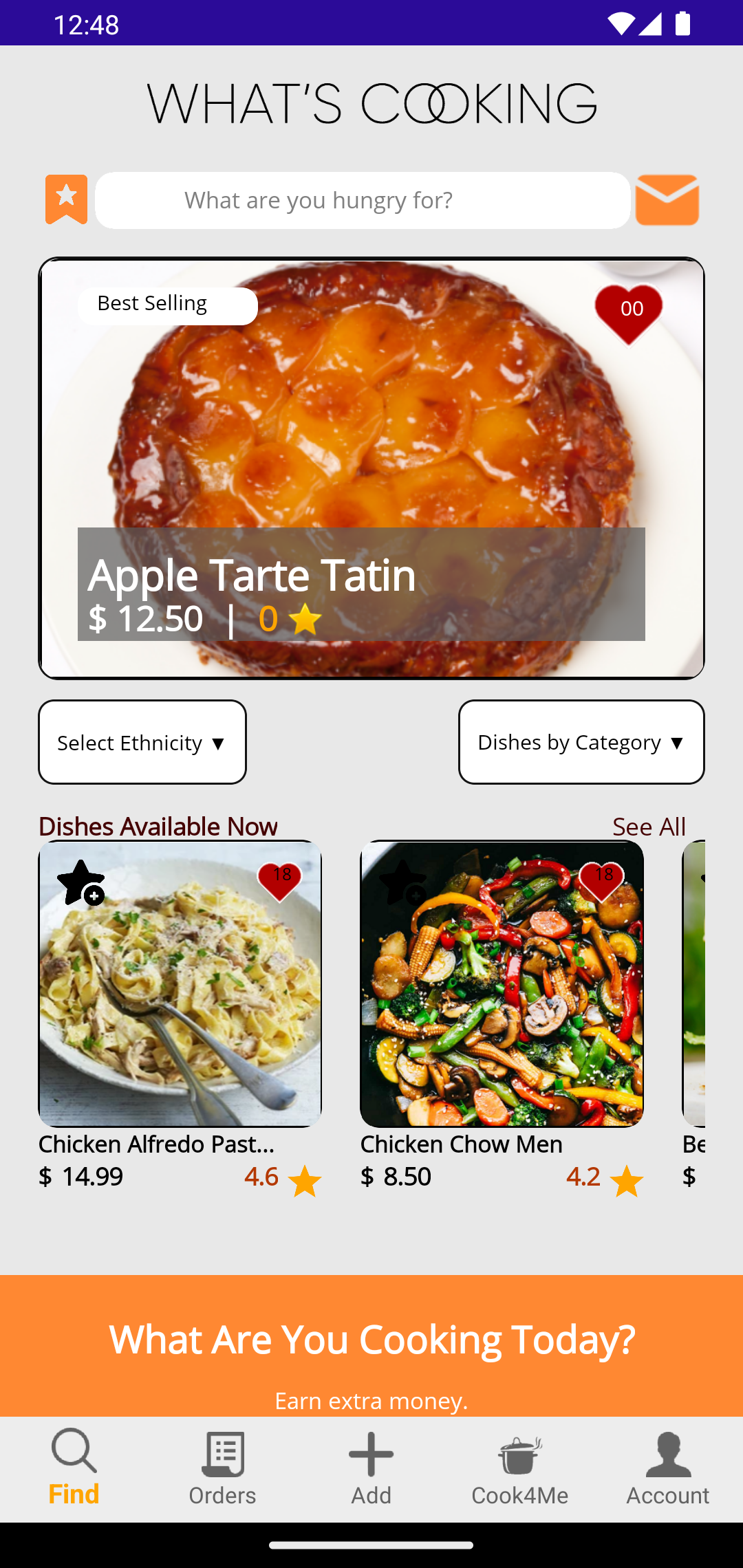
STEP 1

Download the App

The App is available in 'BETA' preview for selected users. To download the App to your device, you can click on one of the links below depending on your device.

ANDROID USERS:

For Android users, click on the link to accept

iOS USERS:

For iPhone users, click on the link that will take you to an Apple generated page that explains how you need to download the TestFlight App first. Once installed, you will then be able to access the Alpha Version of What's Cooking directly from your TestFlight App.


STEP 2

Testing the App

Please use the App as any new users. See how easy (or not) it is to find your way round and figure out how to use the features. (All feedback welcome):


We’ve integrated Stripe for handling payments.
Here are test card details to be used during payment tests:

VISA

• Card Number: 4242 4242 4242 4242
• Expiration Date: Any future date
• CVC: Any 3 digits
• ZIP Code: Any 5 digits
• Name: Any name

MASTERCARD

• Card Number: 5555 5555 5555 4444
• Expiration Date: Any future date
• CVC: Any 3 digits
• ZIP Code: Any 5 digits
• Name: Any name

AMEX

• Card Number: 3782 822463 10005
• Expiration Date: Any future date
• CVC: Any 4 digits
• ZIP Code: Any 5 digits
• Name: Any name

Please ensure no real card are used during the process as they will be rejected. The above card is only for simulating payment behavior.

STEP 3

Giving Feedback about the App

Your feedback is incredibly valuable on making sure the App is ready for public release so we would be delighted to hear about the good and bad experiences you are having while testing the App

Please report all feedback in the WhatsApp group. You should have been invited, if not, please request an invite.

Thank you in advance